
Printer Refilling and Component Replacement: What Nairobi Offices Should Know
Refilling Is Only One Part of Printer Maintenance
Many printer problems start with toner or ink, but not all printing issues are solved by refilling. If your printer is producing faded pages, lines, black marks, paper jams, ghost images, or repeated smudges, the machine may need component replacement as well.
For Nairobi offices, schools, cyber cafes, and businesses that print daily, printer maintenance should include both consumables and internal parts. This helps the printer stay reliable and prevents small issues from becoming expensive breakdowns.
Toner Refilling vs Toner Replacement
Toner refilling can be a cost-effective option when done correctly. It works best when the cartridge is still in good condition and the toner used is compatible with the printer model.
However, not every cartridge should be refilled repeatedly. Over time, the cartridge parts wear out. If the cartridge starts leaking, producing weak prints, or damaging the printer, replacement may be the better option.
Ink printers also need proper handling. Poor quality ink can block printheads, cause color mismatch, or shorten the life of the printer.
Signs Your Printer Needs More Than a Refill
If you refill toner but print quality remains poor, check for these signs:
- Faded print even with enough toner
- Vertical lines on every page
- Black spots or repeated marks
- Paper jams from the same tray
- Wrinkled or poorly fused pages
- Toner rubbing off after printing
- Loud grinding or unusual printer noise
These symptoms often point to worn components, not just low toner.
Common Printer Parts That Need Replacement
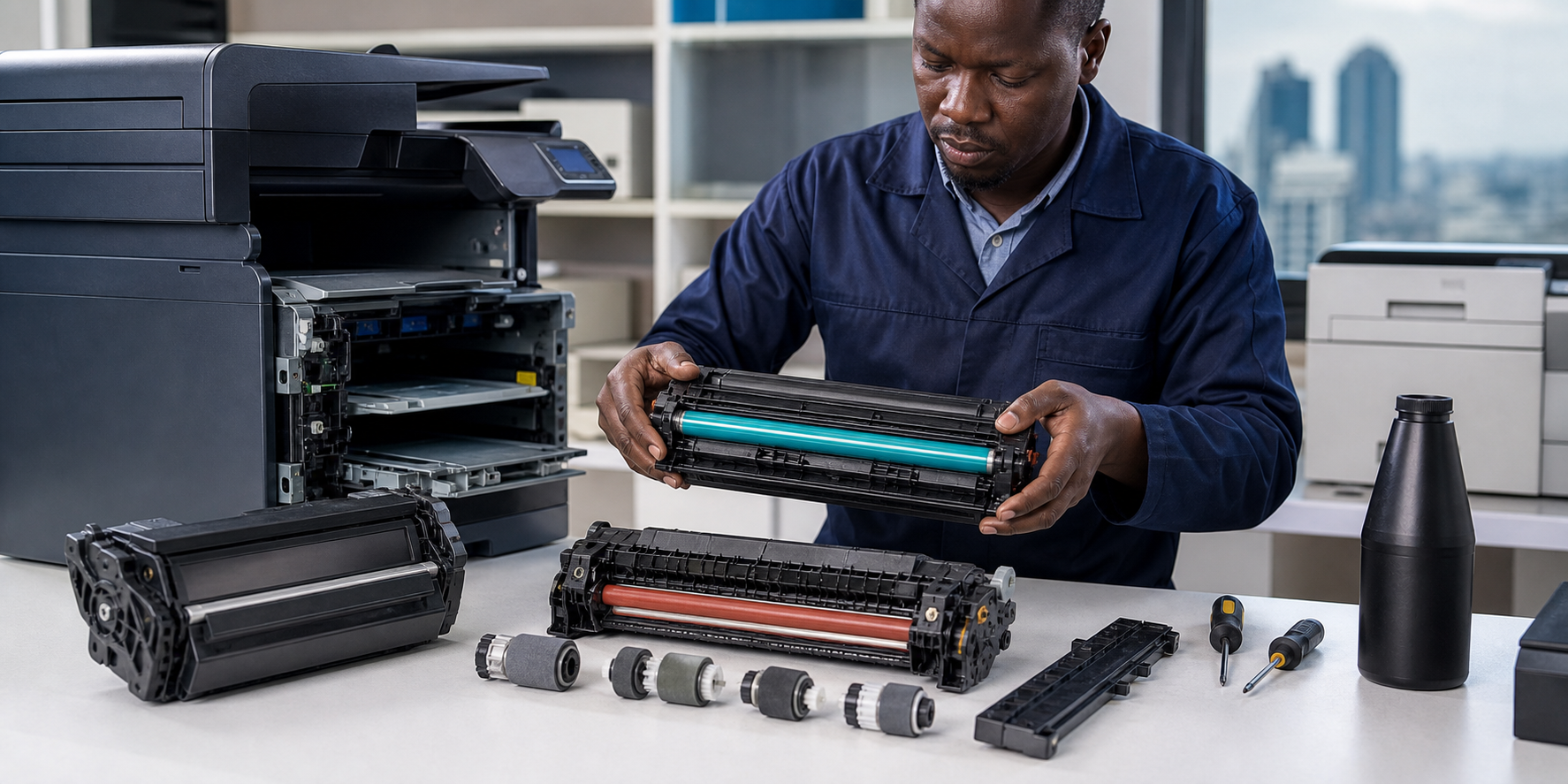
The drum unit transfers toner onto the page. When it wears out, prints may show lines, spots, faded sections, or repeated marks.
Pickup rollers pull paper into the printer. When rollers wear out, the printer may fail to pick paper, pick several sheets at once, or jam frequently.
The fuser unit uses heat and pressure to bond toner to paper. If the fuser is faulty, toner may smear, pages may wrinkle, or print may rub off.
Separation pads help prevent multiple sheets from feeding at the same time. They are small parts, but they can cause repeated paper jams when worn.
Transfer rollers and belts also affect print quality, especially in laser printers and color machines.
Why Quality Parts Matter
Cheap or incompatible parts can damage a printer. A poor toner refill may leak powder inside the machine. A low-quality drum may produce poor prints. A wrong fuser unit can cause heating issues or paper damage.
Using the right parts helps maintain print quality and protects the machine. It also reduces repeat repairs, which saves time and money.
Maintenance Tips for Busy Offices
Keep the printer in a clean, dry space. Dust and humidity can affect paper feed and print quality.
Use the correct paper type and store paper properly. Damp paper is a common cause of jams and poor printing.
Do not force jammed paper out of the printer. Pulling paper incorrectly can damage sensors, rollers, and the fuser area.
Track toner usage and print volume. High-volume users should plan servicing before breakdowns happen.
When to Call a Technician
Call a printer technician when the same problem repeats after basic cleaning or refilling. Repeated jams, toner leaks, poor print quality, and error messages should be checked early.
Waiting too long can turn a simple roller or drum replacement into a bigger repair.
How Rite Imaging Helps
Rite Imaging Office Solutions supplies toner, ink, printer spare parts, and maintenance support for Nairobi businesses. The team can help identify whether your printer needs refilling, cartridge replacement, drum replacement, fuser servicing, or other component support.
For offices that depend on printing every day, proper maintenance keeps work moving.
Final Word
Printer refilling and component replacement should go together. Refilling helps control running costs, while replacing worn parts protects print quality and machine life.
If your printer keeps producing poor results after refilling, it is time to check the internal components.
Add a review
Your email address will not be published. Required fields are marked *