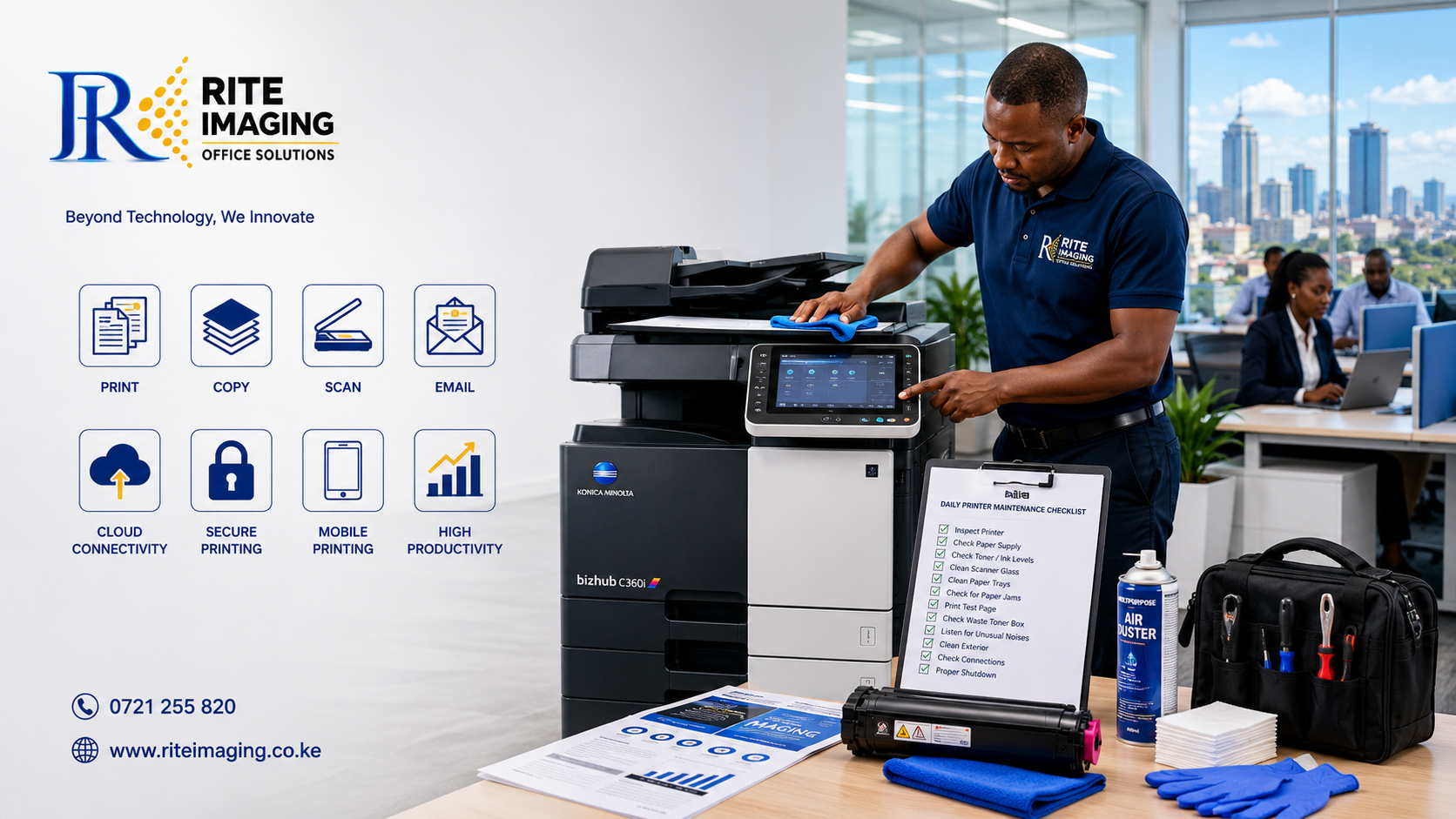
Is Bizhub 364e the Best Office Photocopier in Kenya?
Looking for the Best Bizhub 364e Kenya Deal?
When it comes to reliable office printing, copying, and document management, few machines have earned the reputation of the Konica Minolta Bizhub 364e. Designed for medium to large offices, schools, government institutions, SACCOs, hospitals, and businesses with demanding print volumes, the Bizhub 364e combines speed, reliability, and advanced workflow features into one powerful multifunction printer.
If you’re searching for the best Bizhub 364e Kenya supplier, this review will help you understand why this machine remains one of the smartest investments for Kenyan businesses.
What is the Konica Minolta Bizhub 364e?
The Konica Minolta Bizhub 364e is a monochrome A3 multifunction printer (MFP) that offers:
- High-speed printing
- Fast photocopying
- Full-color scanning
- Optional fax functionality
- Secure document management
Although newer models exist, the Bizhub 364e continues to be one of the most trusted office machines due to its exceptional durability, low running costs, and availability of spare parts in Kenya.
Key Specifications
| Feature | Specification |
| Print Speed | 36 pages per minute |
| Print Resolution | 1,800 x 600 dpi |
| Copy Resolution | 600 x 600 dpi |
| Scan Speed | Up to 160 images per minute |
| Paper Size | A5 to A3 |
| Monthly Duty Cycle | Up to 100,000 pages |
| Duplex Printing | Yes |
| Automatic Document Feeder | Yes |
| Touchscreen | 9-inch Color Touch Panel |
| Mobile Printing | Supported |
| Network Printing | Yes |
Design and Build Quality
One of the first things you’ll notice is the machine’s professional appearance. The Bizhub 364e features a modern touchscreen interface that is easy to navigate, even for first-time users.
Its robust construction is built for years of continuous office use, making it an excellent choice for Kenyan organizations that require dependable performance every day.
Performance Review
Fast Printing
Printing at 36 pages per minute, the Bizhub 364e handles large print jobs with ease.
Whether you’re printing:
- Reports
- Contracts
- Examination papers
- Office documents
- Financial statements
The machine delivers fast, consistent results.
Excellent Copy Quality
The copier produces crisp text with sharp detail.
Features include:
- Reduce and enlarge
- Multiple copies
- Book copying
- ID card copying
- Duplex copying
- Image adjustment
These functions save both time and paper while improving productivity.
High-Speed Scanning
The built-in dual scan capability allows businesses to digitize documents quickly.
You can scan directly to:
- Network Folder
- USB Drive
- FTP
- SMB
This makes document sharing simple across departments.
Print Quality
For a monochrome printer, print quality is outstanding.
Text appears:
- Sharp
- Dark
- Professional
This makes the Bizhub 364e ideal for:
- Legal offices
- Schools
- Banks
- Hospitals
- Government institutions
- Corporate offices
Running Costs
One reason many businesses continue to choose the Bizhub 364e in the Kenya market is its affordable operating costs.
Benefits include:
- Long-lasting toner
- Energy-efficient operation
- Durable imaging components
- Affordable genuine spare parts
- Easy servicing
With proper maintenance, this machine can operate reliably for many years.
Genuine Toner Cartridges for the Bizhub 364e
To maintain the exceptional print quality and reliability of your Bizhub 364e Kenya, using genuine or premium-quality compatible toner cartridges is essential.
The Konica Minolta Bizhub C364e uses the TN-321 toner cartridge series, available in four colours: Black, Cyan, Magenta, and Yellow. These cartridges are designed to produce sharp text, vibrant graphics, and consistent color output while delivering high page yields for busy office environments. (Toner Cap)
At Rite Imaging Office Solutions, we stock:
- Genuine Konica Minolta TN-321 Toner Cartridges
- Premium CET Compatible TN-321 Toner Cartridges
- Black (K)
- Cyan (C)
- Magenta (M)
- Yellow (Y)
Whether you need a single replacement cartridge or a complete toner set, we offer reliable printing solutions backed by expert advice and after-sales support.
Related Products
- TN-321 Black Toner Cartridge
- TN-321 Cyan/Blue Toner Cartridge
- TN-321 Magenta/Red Toner Cartridge
- TN-321 Yellow Toner Cartridge
Genuine Spare Parts Available at Rite Imaging Office Solutions
Regular maintenance keeps your Bizhub 364e operating efficiently while reducing costly downtime. We stock a comprehensive range of genuine and high-quality compatible spare parts for the Konica Minolta Bizhub C364e.
Some of our most popular replacement parts include:
- OPC Drum Units
- Drum Cleaning Blades
- Developer Units
- Developer Powder
- Primary Charge Rollers (PCR)
- Transfer Belts (Image Transfer Belt Units)
- Transfer Rollers
- Fuser Units
- Upper & Lower Fuser Rollers
- Pressure Rollers
- Fuser Films
- Separation Fingers
- Thermistors
- Thermostats
- Pickup Rollers
- Feed Rollers
- Separation Rollers
- Registration Rollers
- Waste Toner Bottles
- Imaging Units
- Toner Hopper Components
- Gears & Drive Assemblies
- Paper Exit Rollers
- Power Supply Boards
- Formatter/Main Controller Boards
Every spare part is carefully selected to ensure dependable performance and compatibility with your Bizhub 364e.
Recommended Accessories
Improve your office productivity with accessories designed for the Bizhub 364e.
Available accessories include:
- Additional Paper Cassette Trays
- Large Capacity Paper Feed Unit
- Automatic Staple Finisher
- Booklet Finisher
- Job Separator Tray
- Cabinet Stand
- Memory Expansion Options
- USB Printing Accessories
- Network Printing Accessories
- Document Holders
- Paper Output Trays
These upgrades help businesses handle larger print volumes and streamline document workflows.
Why Buy Consumables from Rite Imaging Office Solutions?
When you purchase your toner cartridges, spare parts, and accessories from Rite Imaging Office Solutions, you enjoy:
- Genuine and premium-quality products
- Competitive prices across Kenya
- Expert installation and technical support
- Fast nationwide delivery
- Warranty on selected spare parts
- Professional maintenance services
- Experienced Konica Minolta technicians
Whether you need a replacement toner cartridge, a transfer belt, a drum unit, or a complete servicing kit, our team is ready to help keep your Bizhub 364e Kenya performing at its best.
Security Features
Modern offices require secure printing.
The Bizhub 364e includes features such as:
- User authentication
- Secure print release
- Password protection
- Hard disk security
- Administrator controls
These help protect sensitive business information.
Connectivity Options
The printer supports multiple connection methods including:
- Ethernet
- USB
- Mobile Printing
- Network Printing
- Scan to Email
This flexibility makes it suitable for both small and enterprise office environments.
Advantages
- Reliable performance
- Low maintenance costs
- Fast scanning
- Duplex printing
- Easy-to-use touchscreen
- Strong paper handling
- Genuine spare parts readily available
- Excellent value for money
Things to Consider
- Monochrome printing only (no color printing)
- Larger footprint than compact office printers
- Best suited for medium to high-volume printing environments
Who Should Buy the Bizhub 364e?
This machine is ideal for:
- Schools
- Universities
- NGOs
- County Governments
- Hospitals
- Churches
- Law Firms
- SACCOs
- SMEs
- Corporate Offices
- Print Shops
If your office regularly prints hundreds or thousands of pages each month, the Bizhub 364e is an excellent choice.
Why Buy Your Bizhub 364e in Kenya from Rite Imaging Office Solutions?
At Rite Imaging Office Solutions, we don’t just sell printers—we provide complete office printing solutions.
When you purchase your Bizhub 364e Kenya machine from us, you benefit from:
- Genuine Konica Minolta machines
- Professional installation
- Expert technical support
- Genuine spare parts
- Toner supply
- Preventive maintenance
- Fast nationwide delivery across Kenya
- Competitive pricing
Our experienced technicians ensure your printer performs at its best from day one.
Final Verdict
The Konica Minolta Bizhub 364e remains one of the most dependable monochrome multifunction printers available in Kenya. Its combination of speed, durability, low operating costs, and advanced workflow features makes it a worthwhile investment for organizations seeking reliable document management.
Whether you’re upgrading your current office equipment or setting up a new workplace, the Bizhub 364e Kenya market continues to offer one of the best returns on investment for businesses that demand productivity and efficiency.
Ready to Upgrade Your Office?
Looking for the best Bizhub 364e Kenya price?
Visit our Product Page today to view specifications, pricing, availability, and request a free quotation. Our team at Rite Imaging Office Solutions is ready to help you choose the right printer for your business and provide expert after-sales support across Kenya.